×
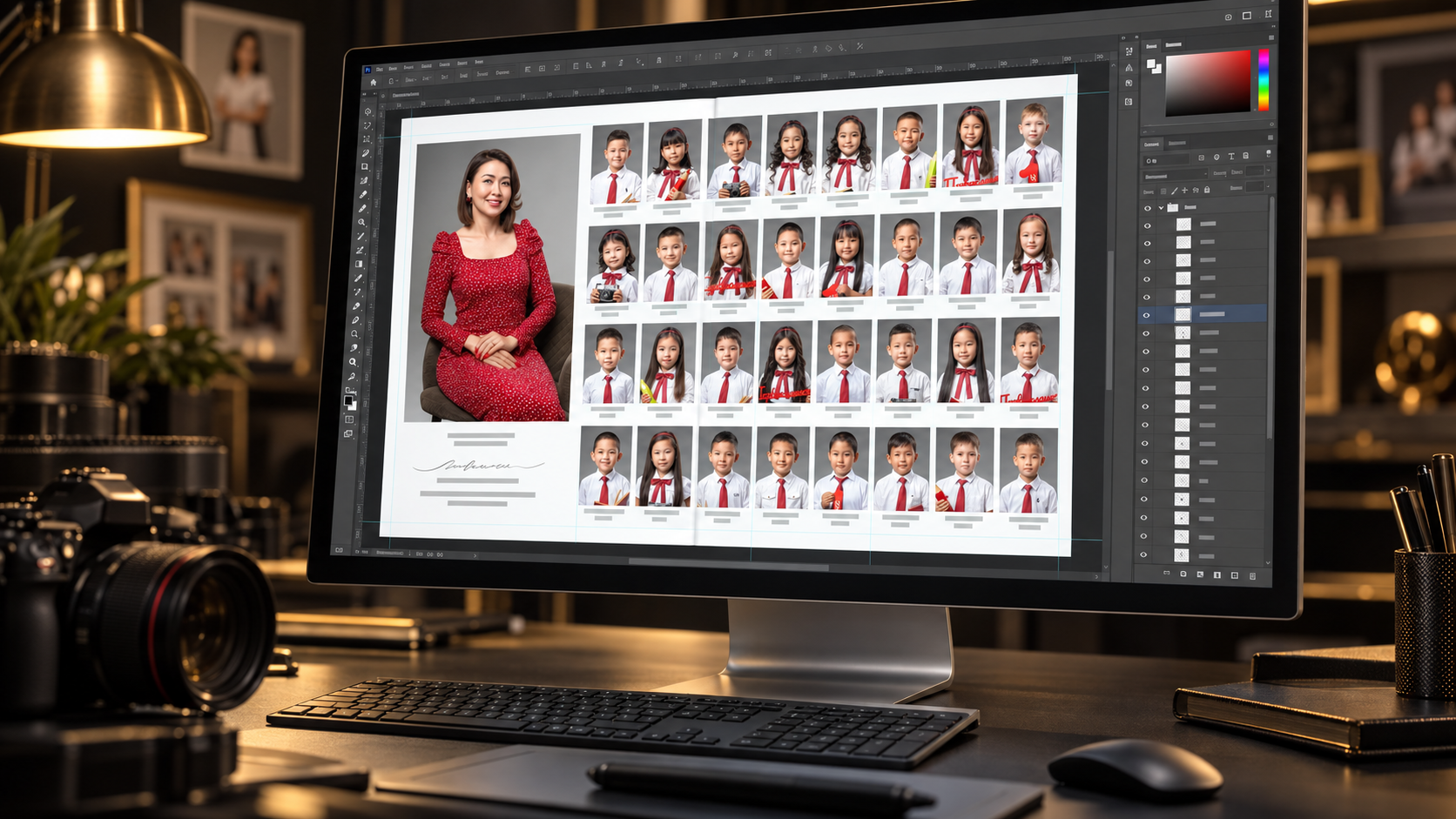
Without SchoolBook Assist

- ×Find a portrait for every slot by hand
- ×Copy names and quotes one at a time
- ×Check that files and students were not mixed up

Adobe Photoshop plugin
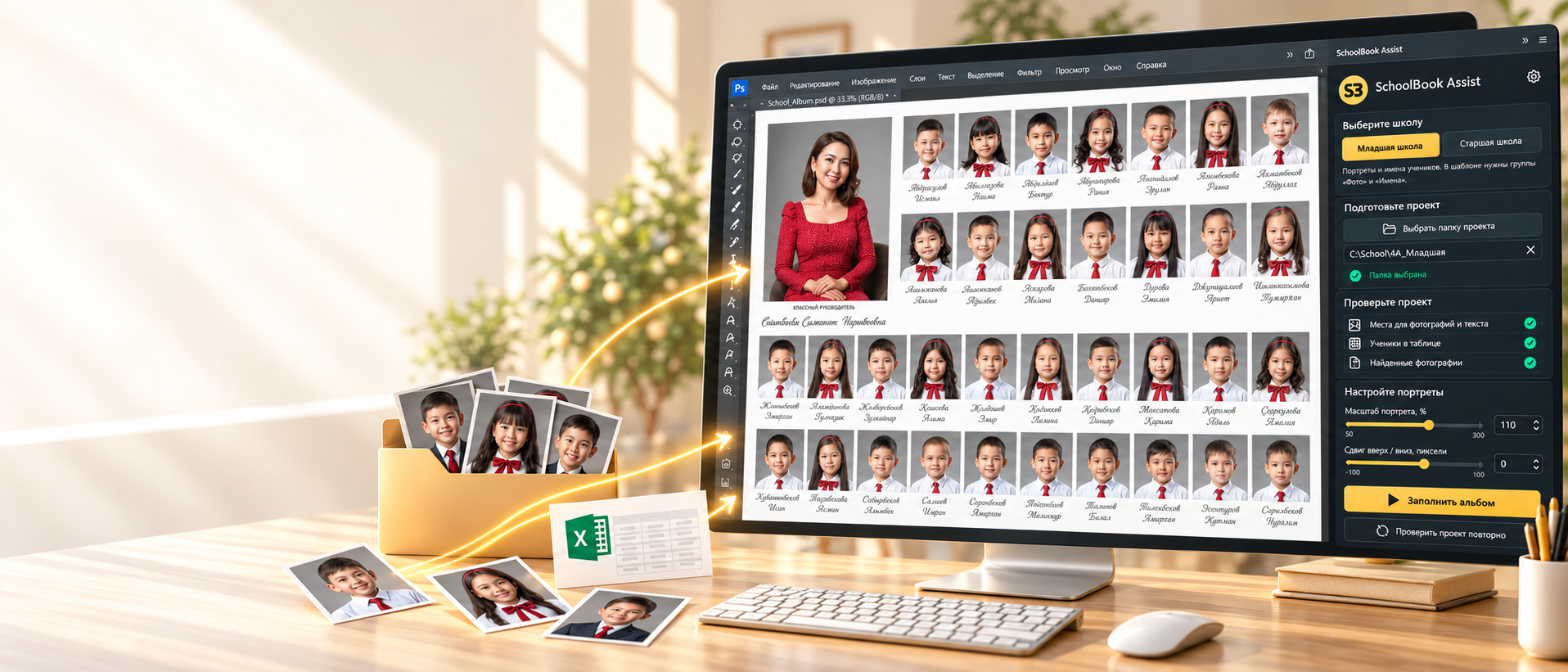
SchoolBook Assist fills a prepared PSD with portraits, names and quotes from your spreadsheet. You keep the creative control while the plugin handles repetitive production work.
Without SchoolBook Assist
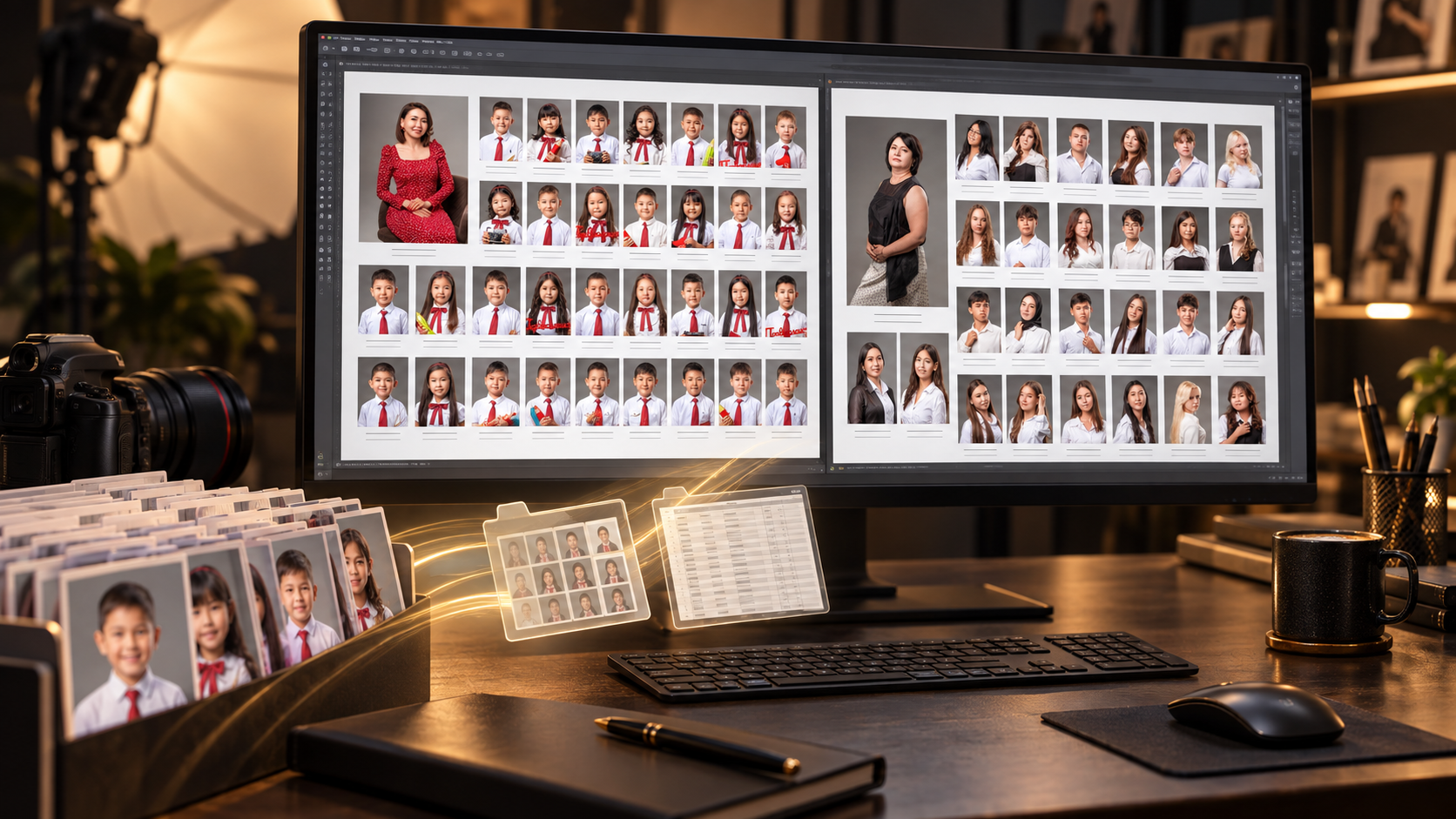
With SchoolBook Assist
Included with the plugin
Your license includes a ready-to-use starting point so you can move to your first album faster.
PSD spreads for different class sizes.
Ready foundations for graduation albums and different class sizes.
Separate sample files for student and teacher data.
A clear workflow, not magic
The plugin does not make creative choices for you. It takes over the mechanical part, leaving crop, final review and album style in your hands.
Open a PSD with marked slots and select the folder containing your CSV and portraits.
Review scale, position and student match before filling an entire spread.
Photos, names and quotes land in their places while progress stays visible in Photoshop.
Video demonstration
See how SchoolBook Assist places portraits and CSV data into a prepared album layout.
Fits into your existing workflow
The plugin fills prepared Photo and Name groups while the structure and style of your layout remain under your control.
You decide the crop, composition and final review. The plugin only speeds up the mechanical part.
Open the next prepared spread and repeat the same clear workflow without filling everything by hand again.
The plugin processes PSD, CSV and portraits locally. Student photos and album data are not uploaded to the cloud.
Current version 1.0.27 · Adobe Photoshop 23.3
Get a license, install the CCX package and activate SchoolBook Assist in Photoshop.
Buy SchoolBook Assist